


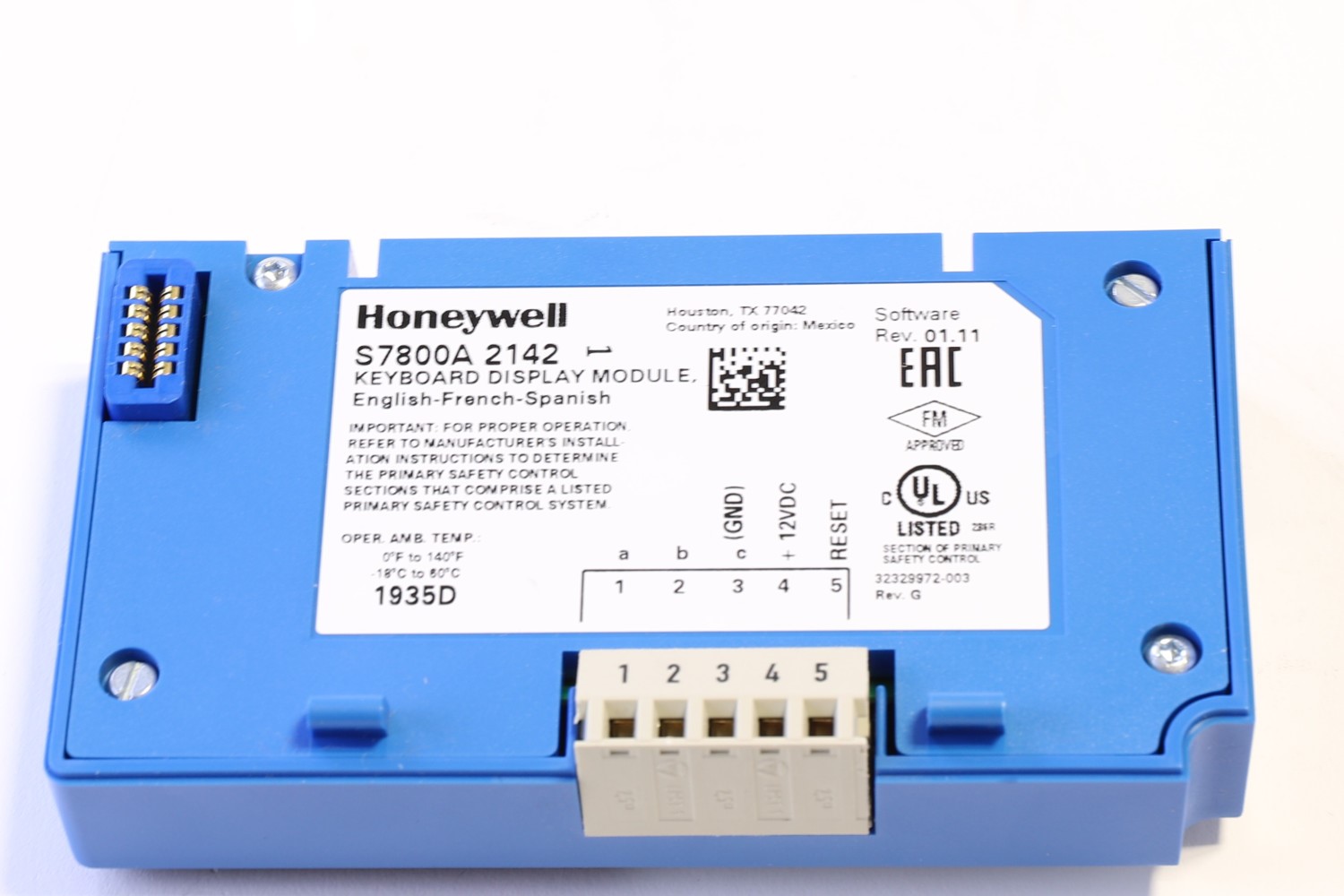
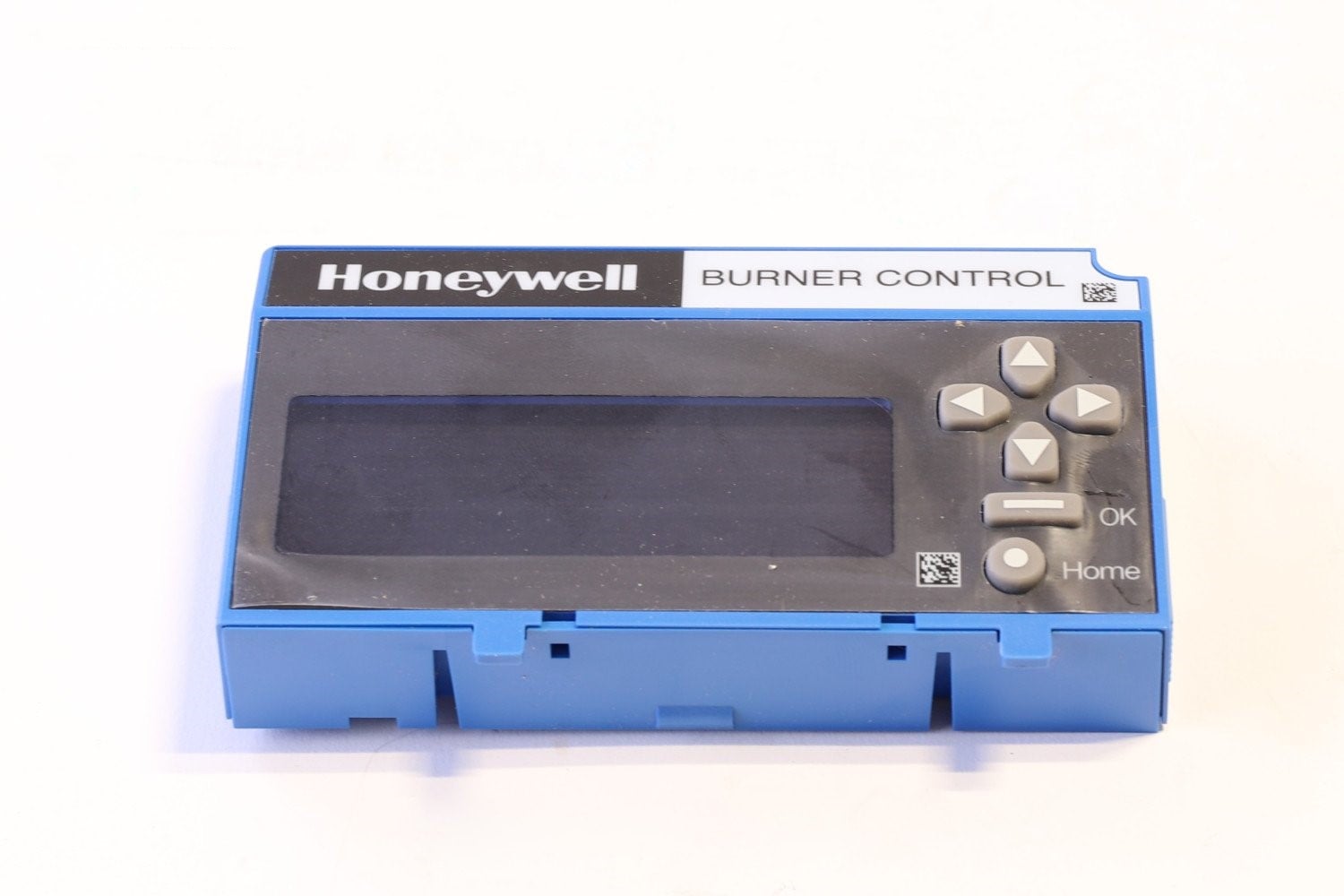
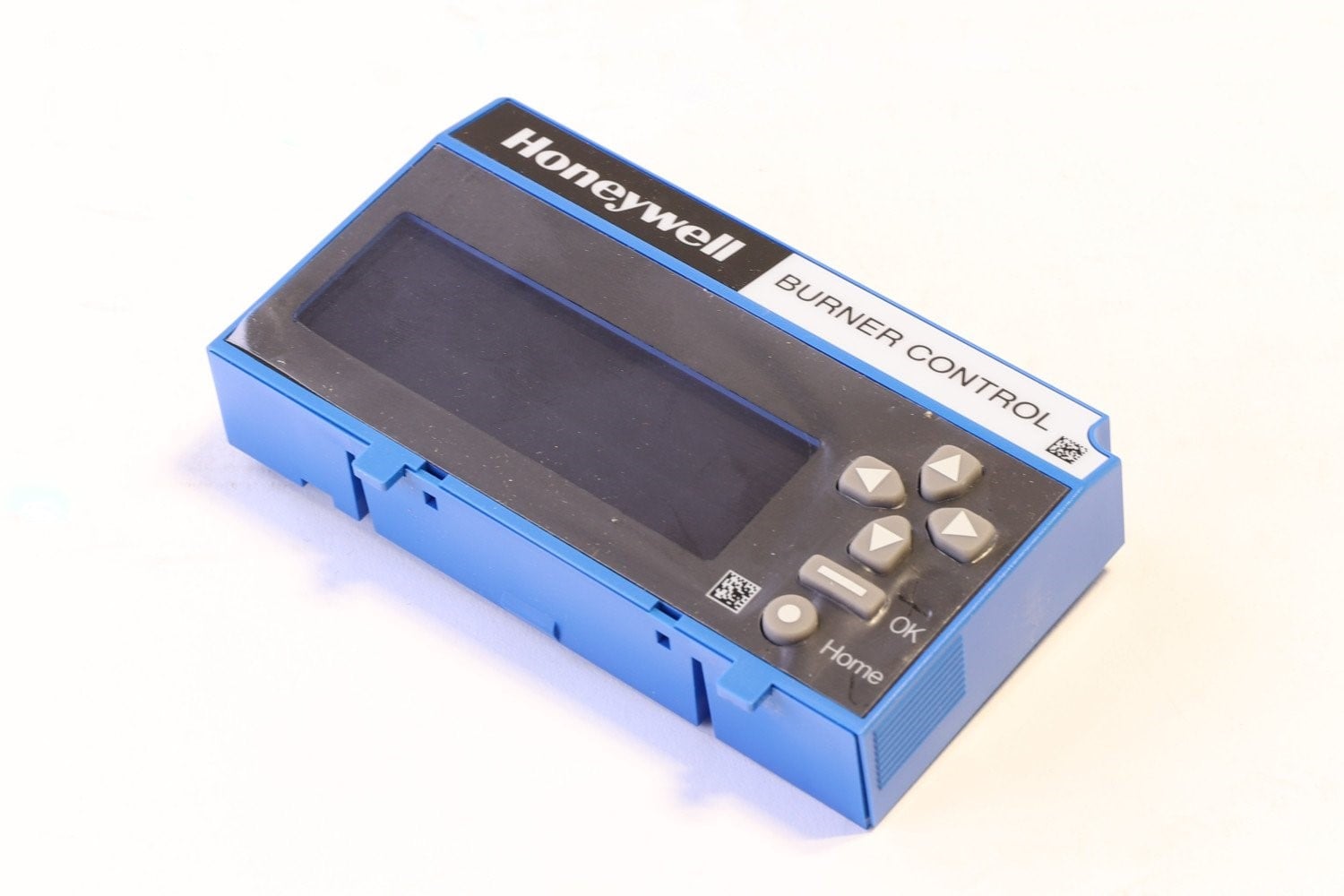


S7800A2142 Honeywell Keyboard Display Module
$740.00
4 in stock (can be backordered)
S7800A2142 Honeywell Keyboard Display Module Datasheet
S7800A2142 Honeywell Keyboard Display Module Brochure
Overview of Honeywell S7800A2142 Keyboard Display Module (KDM)
The Honeywell S7800A2142 is an advanced Keyboard Display Module (KDM) used with Honeywell’s 7800 Series burner control systems. This version offers a 4-line alphanumeric display and keypad interface, enabling deeper diagnostics, system programming, fault history review, and burner sequence visualization. It enhances user interaction with control systems by providing detailed status information and operator input functionality.
Specifications of S7800A2142
| Specification | Details |
|---|---|
| Display | 4 lines × alphanumeric characters |
| Keypad | Full-function keypad for navigating menus and inputs |
| Functions | Fault history, diagnostics, burner status, programming |
| Mounting | Plug-in to 7800 Series control modules or remote mounting option |
| Housing | Rugged enclosure suited for control panels |
| Compatibility | Designed for 7800 Series relay modules and burner control systems |
| Reset | Supports local or remote reset operations |
| Enclosure Rating | When properly mounted with cover, meets control panel protection standards |
Features & Benefits
-
Expanded 4-line display gives more information per screen view
-
Full keypad enables programming and menu navigation at the module
-
Shows detailed burner status, fault codes, diagnostics, and timing data
-
Useful for onsite diagnostics, reductions in technician trips
-
Easy integration into existing 7800 burner control systems
-
Improves system transparency and operator awareness
Applications
-
Commercial and industrial boiler rooms
-
Burner control systems where advanced diagnostics are beneficial
-
Retrofits or upgrades to existing 7800 installations
-
Control panels demanding a more robust display module
Installation & Usage Tips
-
Snap into the relay module slot or use the remote mounting bracket as required
-
Use keypad to scroll through fault codes, status pages, and setup options
-
Clone module settings between units for quick configuration
-
Verify that the display corresponds to correct burner sequence after installation
-
Protect the display from direct heat, moisture, and mechanical shock
7840 Display Screen
| Weight | 2 lbs |
|---|---|
| Dimensions | 7 × 6 × 3 in |
Be the first to review “S7800A2142 Honeywell Keyboard Display Module”
You must be logged in to post a review.
Related Product(s)


Reviews
There are no reviews yet.