




S7800A1142 Honeywell Display
$710.00
2 in stock (can be backordered)
S7800A1142 Honeywell Display Datasheet
Overview of S7800A1142 Honeywell Display
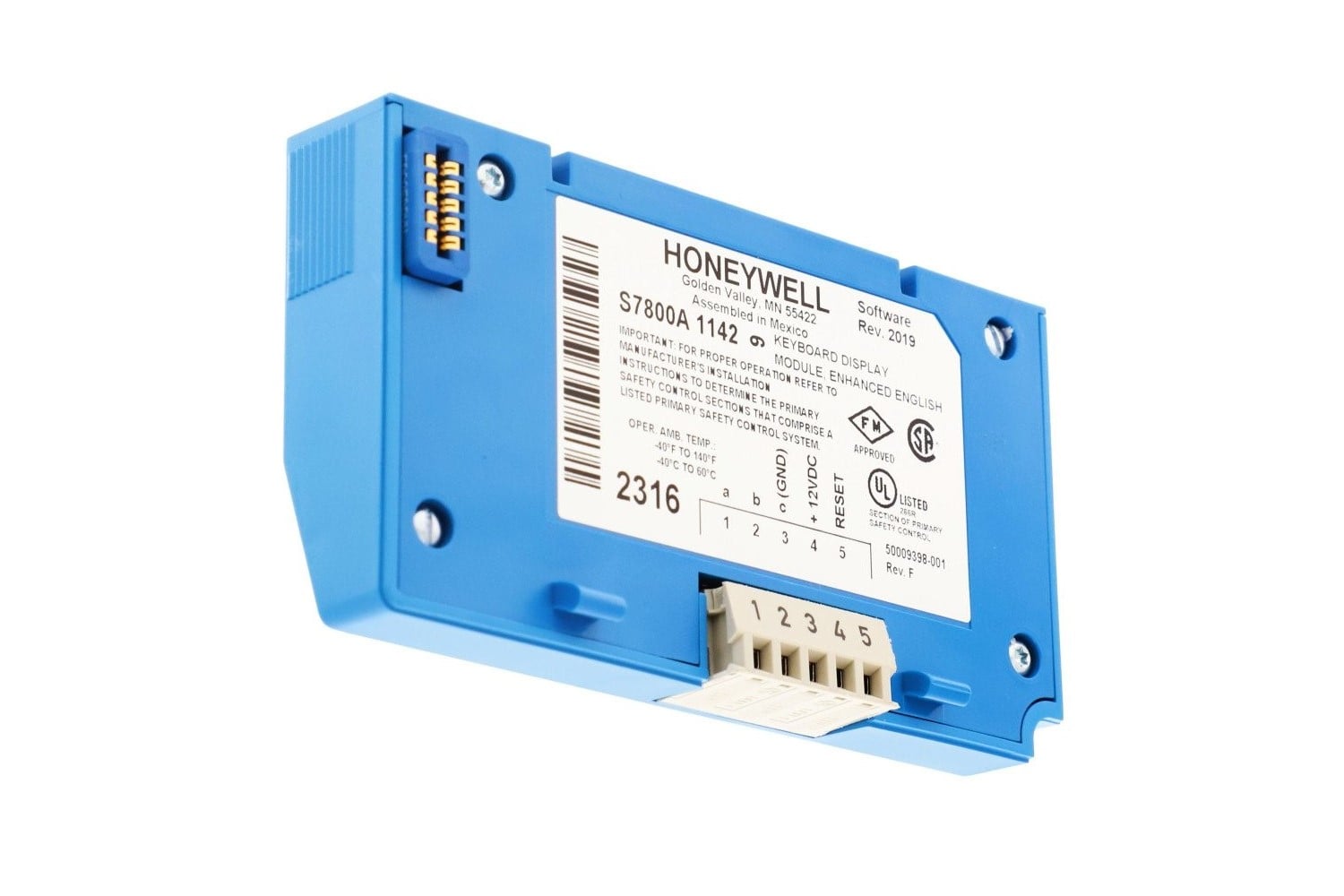
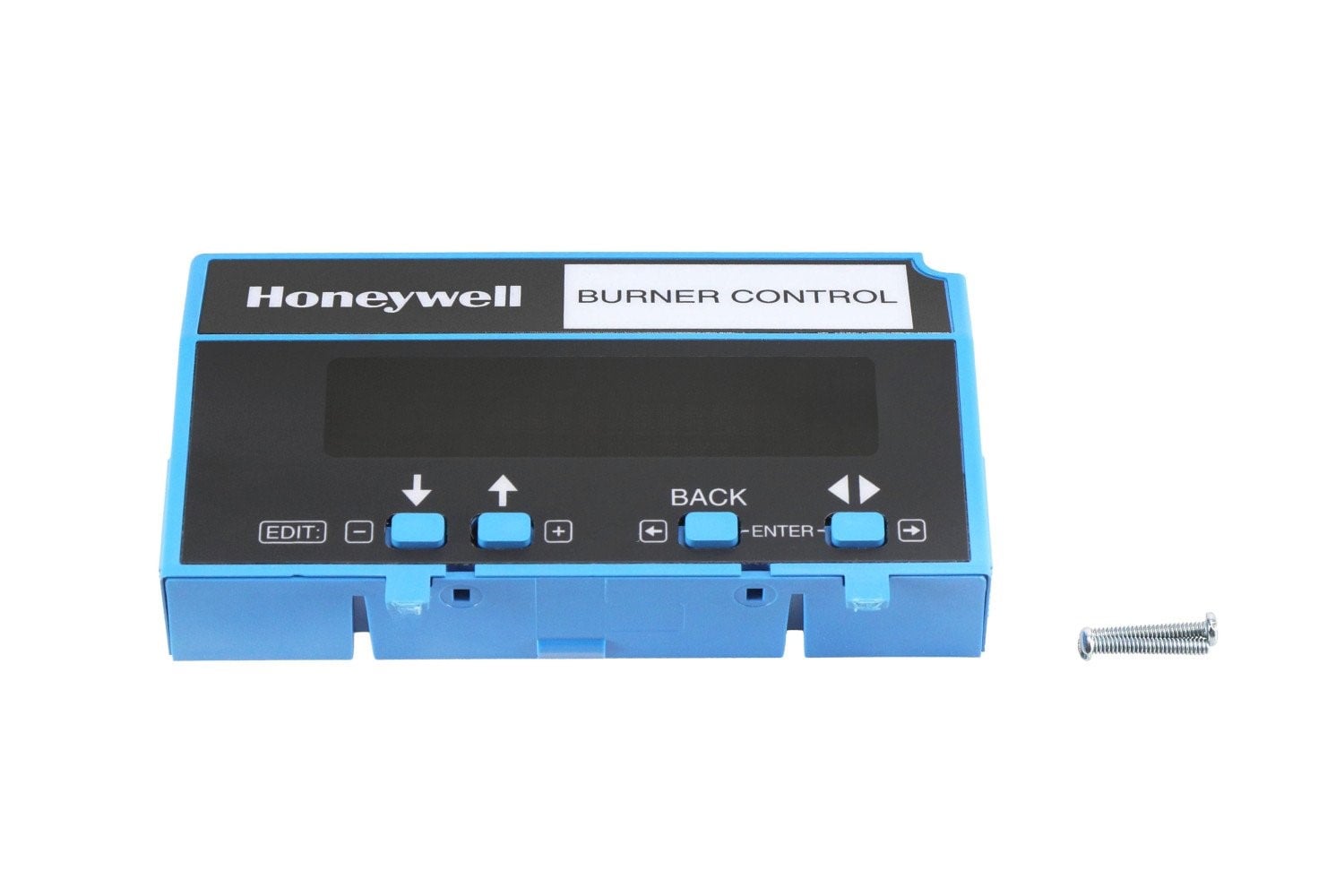
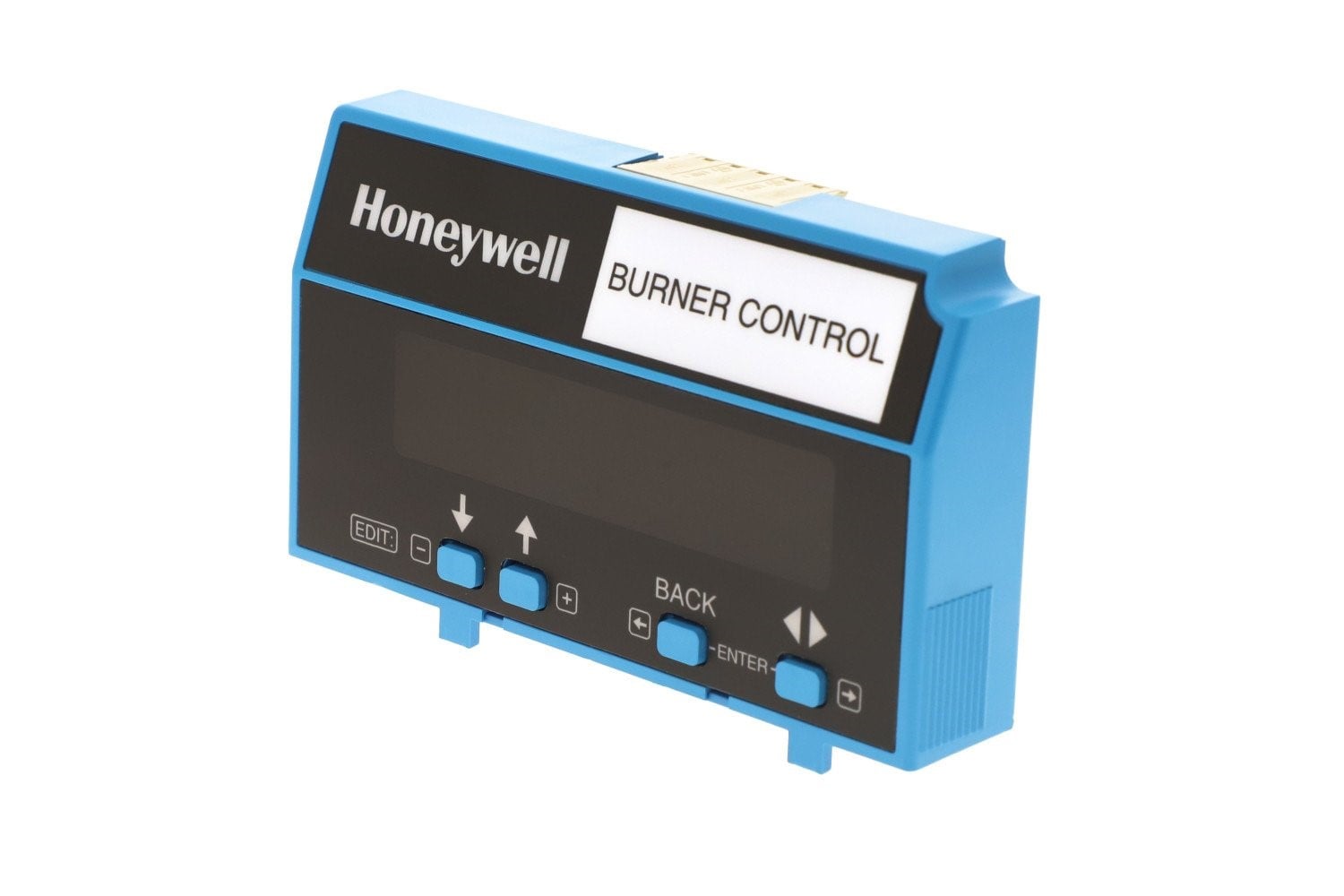
The Honeywell S7800A1142 is a plug-in Keyboard Display Module (KDM) designed for use with Honeywell 7800 Series burner control systems. It provides a two-row by twenty-column alphanumeric display and a keypad interface to show burner sequence status, diagnostic messages, first-out faults, timing information, and other important system data. This module also supports remote or local annunciation, system reset, diagnostic reporting, and programming of advanced features such as valve proving and annunciator customization.
Specifications & Features
| Feature | Description |
|---|---|
| Display | 2 rows × 20 alphanumeric characters |
| Functionality | Shows burner status, faults, diagnostics, and timing |
| Programming | Enables setup of valve proving and advanced features |
| Reset | Provides local or remote reset of burner control system |
| Diagnostics | Displays fault history and real-time system information |
| Compatibility | Works with Honeywell 7800 Series relay modules |
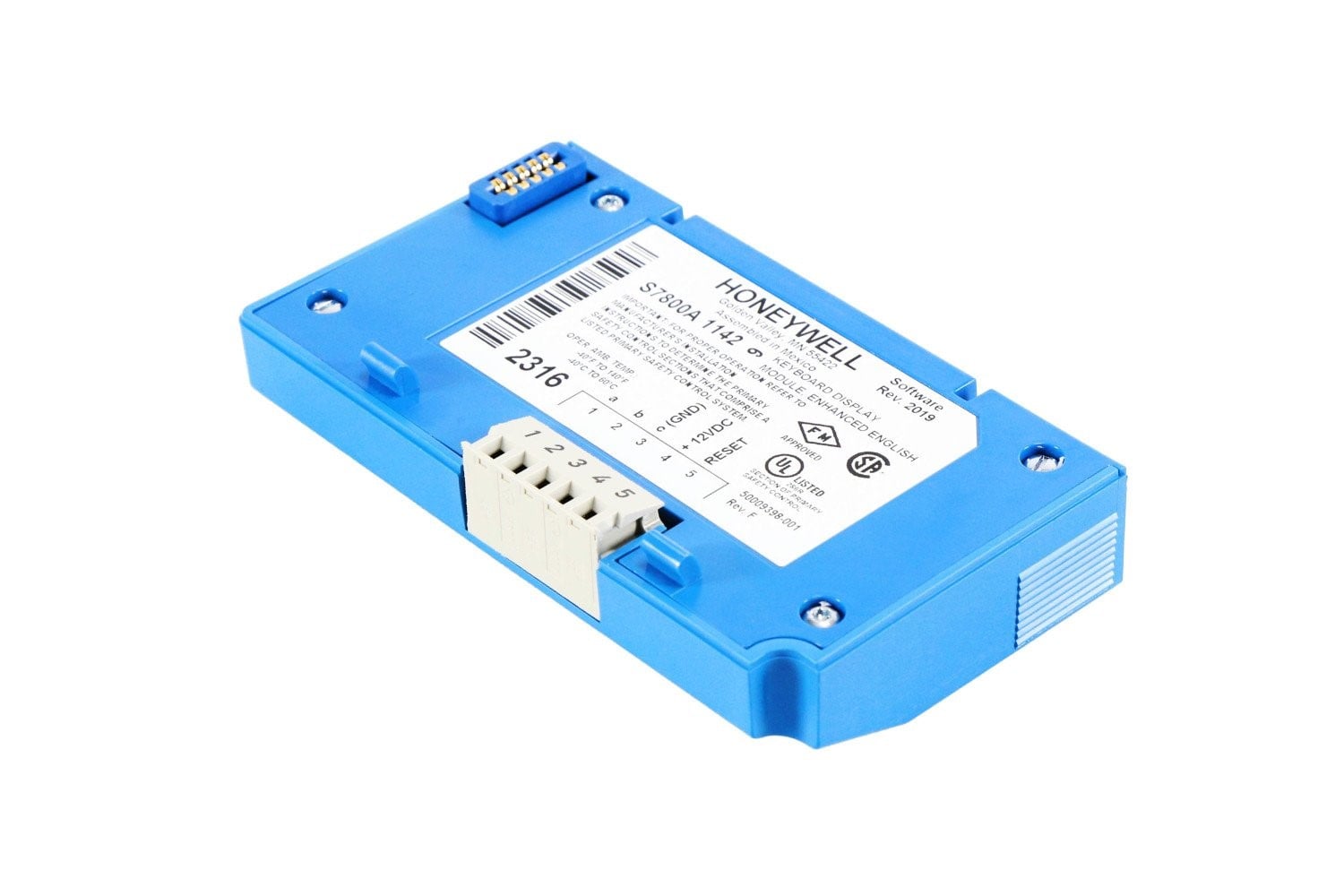
| Mounting | Direct plug-in or remote mounting with bracket |
| Enclosure | Meets rain-tight / NEMA 4 requirements when properly installed |
Applications
-
Monitoring burner sequence status in commercial and industrial systems
-
Displaying and troubleshooting fault codes in boiler rooms
-
Providing operators with diagnostic and sequence information in real time
-
Retrofitting existing 7800 Series systems lacking a display module
Installation & Usage Tips
-
Align the display tabs with the relay module slots, then press firmly to secure.
-
Use the keypad to scroll through status, diagnostics, and fault codes.
-
For remote mounting, use the appropriate bracket and ensure proper electrical connections.
-
Clone settings from one S7800A1142 module to another for faster commissioning.
-
Verify the display shows correct burner sequence status after installation.
7840 Display Screen
| Weight | 2 lbs |
|---|---|
| Dimensions | 7 × 5 × 3 in |
Be the first to review “S7800A1142 Honeywell Display”
You must be logged in to post a review.
Related Product(s)


Reviews
There are no reviews yet.